AI Humanizer · guides
Humanizer Check (2026)
How to check if your humanized text actually passes AI detection — the verification workflow, which detectors to test against, and common pitfalls.

You ran your text through a humanizer. The output looks good. Sentences flow. The meaning is intact. You are ready to submit or publish.
Wait. The humanizer told you the text is clean. Did you verify that claim yourself?
This post explains how to run a proper humanizer check, which detectors to use, what scores to look for, and the common mistakes that make people think their text passes when it does not.
Which StealthZero humanizer model fits which task?
StealthZero ships five rewrite families. The Free tier uses Origin (unlimited words). Strict detectors (Turnitin, latest GPTZero) need F.R.I.D.A.Y or Jarvis. Sentinel-Lite and Sentinel-Max are SEO-targeted — use them for blog content and web copy.
| Task | Use this model |
|---|---|
| Turnitin (100% bypass, internal testing) | Jarvis-Cohera or Jarvis-Max |
| Latest GPTZero (fine-tuned) | F.R.I.D.A.Y |
| SEO content / blog / web copy | Sentinel-Lite or Sentinel-Max |
| General AI detection (Free tier) | Origin |
| Quality + tone control | Jarvis-Cohera |
Origin (Free) bypasses general AI detection, but for strict detectors like Turnitin or GPTZero, use F.R.I.D.A.Y or J.A.R.V.I.S (Cohera or Max) — those are fine-tuned specifically for those detectors.
StealthZero humanizer numbers (verified)
Five rewrite models, four pricing tiers, and a 100-word floor on Sentrio scoring. Free tier covers 600 rephrase requests per month at a 20-per-day cap. Auto Agent Rephrase batches documents up to 12,000 words in a single task.
- Free plan: 600 requests/month, 20/day cap, unlimited words per request
- Starter ($9.99/mo): unlimited Origin + 1,500 advanced (Sentinel + F.R.I.D.A.Y + Jarvis) requests
- Pro ($19.99/mo): 3,000 advanced requests, 100/day cap, 2 AI Reports/month
- Premium ($29.99/mo): unlimited everything, 3 AI Reports/month, 5 Auto Agent credits
- Auto Agent Rephrase add-ons: Mini ($3.99, 2,000 words), Pro ($6.99, 5,000 words), Max ($12.99, 12,000 words)
- Liang et al. 2023 (arXiv:2304.02819) documented over 60% false-positive rates for ESL writers across mainstream GPT detectors
Weber-Wulff et al. 2023 (Int J Educ Integr 19:26) benchmarked 14 detection tools and found none reached the accuracy needed to be considered reliable in academic integrity workflows — most tools either over-flagged human writing or missed machine-paraphrased AI text.
Why you cannot trust the humanizer alone
Humanizer tools are honest most of the time, but they are also selling you something. Even the best tools have edge cases. A particular detector might have updated its model since the humanizer was last tested. Your input might contain a citation or technical term that the humanizer mangled slightly. Or the humanizer might have passed one detector while failing another.
The only way to be sure is to run your own verification. Think of it like spell-check: the tool catches most errors, but you still read the document before sending it.
At StealthZero, the standard humanizer targets a 99 percent pass rate, and the Cohera model achieves 100 percent bypass in internal testing. But the internal testing environment is controlled. Your real-world submission goes through a detector that may have been updated yesterday. Verification closes that gap.
The two-signal problem
AI detectors look at two main signals: perplexity and burstiness. A good humanizer should address both, but not all do. Some tools focus on one and neglect the other. When you verify, you are confirming that both signals have been shifted into the human range.
If you only test with one detector, you are getting a partial picture. GPTZero might pass the text while Originality.ai flags it. Or vice versa. Different detectors weight perplexity and burstiness differently, and some add stylistic analysis on top. You need multiple data points.
The verification workflow
Here is the workflow we recommend for any piece of content that matters:
Step 1: Run the humanizer
Start with a dedicated tool rather than manual edits. StealthZero gives you multiple engines to choose from. If the first engine does not produce clean output, try another. Origin (free, unlimited) handles most cases. Sentinel and Cohera are available on paid plans for harder detection scenarios.
Save the output in a separate document. Do not overwrite your original AI draft; you might need it later.
Step 2: Test with two or three detectors
Run the humanized text through at least two detectors. If the content is high-stakes (an academic submission, a client deliverable, a legal document), use three.
Recommended detector lineup:
- GPTZero — One of the most widely used detectors, especially in education. If your text passes GPTZero, you have cleared a major hurdle.
- Originality.ai — Popular among publishers and SEO professionals. Tends to be stricter than GPTZero on some text types.
- Copyleaks — Used by universities and enterprises. Good for catching sophisticated rewrites that slip past simpler tools.
- Turnitin — If you are a student and your institution uses Turnitin, this is the detector that matters most. See our guide on how to pass Turnitin AI detection for specifics.
You do not need to pay for all of them. Start with the free tiers. GPTZero offers free checks for reasonable word counts. Some tools give you a few free scans per month. Use those for verification.
Step 3: Check the scores, not just the verdict
Most detectors give you a percentage or a confidence score, not just a binary pass/fail. Pay attention to the numbers.
- 0 to 30 percent AI probability: You are in the safe zone.
- 30 to 50 percent: Borderline. Some instructors or editors might ask questions. Consider another round of humanization.
- 50 to 100 percent: The detector is confident the text is AI. You need to rewrite.
A “mixed” or “uncertain” result from GPTZero is not a pass. It means the detector sees enough AI signals to be suspicious. Aim for clean human scores across the board.
Step 4: Spot-check the meaning
Detection is not the only thing that matters. Read the humanized text and check:
- Did the humanizer preserve citations and references?
- Are technical terms still accurate?
- Did any names, dates, or numbers get changed?
- Does the tone match the context (academic, professional, casual)?
StealthZero’s locked phrases feature lets you lock specific terms so they survive the rewrite. Use it for citations, proper nouns, and any phrase that must stay exact. If your tool does not have this feature, you need to manually restore any terms that were altered.
Step 5: Add your own voice
A humanizer can get you 90 percent of the way there. The last 10 percent comes from you. Add a personal example, a sentence that sounds like your natural speech, or a reference to something specific from your experience. These touches do more to confuse detectors than most automated rewrites because they introduce genuine unpredictability.
If you are not sure how to do this manually, our guide on how to humanize ChatGPT text covers specific editing techniques.
Common verification pitfalls
Even people who follow the workflow make mistakes. Here are the most common ones:
Testing the original instead of the humanized text. This sounds obvious, but it happens. You paste the AI draft into the detector, see a high AI score, and think the humanizer failed. Make sure you are testing the rewritten version.
Trusting a single detector. One clean pass is not enough. We have seen text that passes GPTZero and fails Originality.ai, or passes Copyleaks and fails Turnitin. Test with at least two.
Ignoring the confidence score. A detector might label text as “likely AI” with 51 percent confidence or “definitely AI” with 98 percent confidence. The difference matters. Low-confidence flags might not trigger action from an instructor or editor. High-confidence flags almost certainly will.
Not accounting for text length. Some detectors behave differently on short passages versus long documents. A 200-word paragraph might pass while a 2,000-word essay built from the same source text fails. Test the full document, not just a sample.
Forgetting about future updates. Detectors improve constantly. Text that passes today might not pass in six months if the detector’s model gets an update. For long-lived content (published blog posts, research papers), consider whether you might need to re-verify later.
When to use StealthZero’s built-in verification
StealthZero includes Proof Reports that run your output through four detectors automatically. This saves you the manual copy-paste step and gives you a unified score card.
The Proof Reports cover the major detectors: GPTZero, Originality.ai, Copyleaks, and a fourth engine. You get the scores in one place, and you can see which specific sentences triggered flags. This is faster than opening four separate tabs and running the text through each one.
If you are on the free tier, you still get the Origin model and basic output. For the full Proof Reports with all four detectors, a paid plan is required. The Pro plan ($19.99 per month) and Premium plan ($29.99 per month) include the most comprehensive reporting.
What to do when verification fails
If your text fails one or more detectors, do not panic. Here is the fix sequence:
-
Try a different engine. If you used Origin and it failed, switch to Sentinel or Cohera if you have access. Different engines take different approaches to the rewrite.
-
Break the text into chunks. Sometimes a single paragraph is carrying the AI signal. Run smaller sections through the detector to find the problem area, then re-humanize just that section.
-
Add manual edits. Rewrite a few sentences yourself. Change the opening of a paragraph. Add a personal aside. These changes can be enough to shift the detector’s score.
-
Check for locked phrases. If you locked a long quote or technical passage, the detector might be flagging that section because it is unchanged AI text. Consider paraphrasing locked sections manually or breaking them up with original commentary.
Sadasivan et al. 2023 (arXiv:2303.11156) showed that even the strongest AI text detectors degrade toward random-chance accuracy under light paraphrasing attacks, suggesting a theoretical ceiling on reliable detection of high-quality AI text.
- Start from a different AI draft. If the original AI output is heavily flagged, the humanizer has more work to do. Generate a new draft with different prompts (shorter, more specific instructions to the AI) and then humanize that.
Verification for specific use cases
Academic submissions
For essays and research papers, the stakes are highest. Instructors have access to Turnitin, and some run GPTZero or Originality.ai as well. Your verification should include Turnitin if possible. If you do not have institutional access, test with GPTZero and Originality.ai as proxies.
Also verify that citations survived the humanizer intact. A dropped or altered citation is an academic integrity issue even if the text passes detection. See our guide on academic writing and AI detection for more.
Professional content
For client work, blog posts, and marketing copy, the main concern is usually Originality.ai or Copyleaks. Publishers use these tools to screen submissions. Test with both. If the content is ghostwritten for a client, also verify that the tone matches the client’s voice. A humanizer might produce text that passes detection but sounds nothing like the client’s usual style.
Social media and casual writing
For low-stakes content, one detector check is usually enough. If you are posting on a personal blog or social media, GPTZero alone will tell you whether the text is likely to be flagged by automated moderation tools.
The final check before submission
Before you hit submit, publish, or send, run through this checklist:
- Humanized with a dedicated tool (not just manual edits)
- Tested with at least two detectors
- Scores are in the safe zone (under 30 percent AI probability)
- Meaning, citations, and technical terms are intact
- Personal voice added in at least one or two places
- Full document tested, not just a sample paragraph
If all six boxes are checked, your text is as ready as it can be.
Summary
A humanizer check is not optional. It is the step that turns a hopeful guess into a verified pass. Run your humanized text through at least two detectors, look at the scores, fix any flagged sections, and add your own voice before submitting.
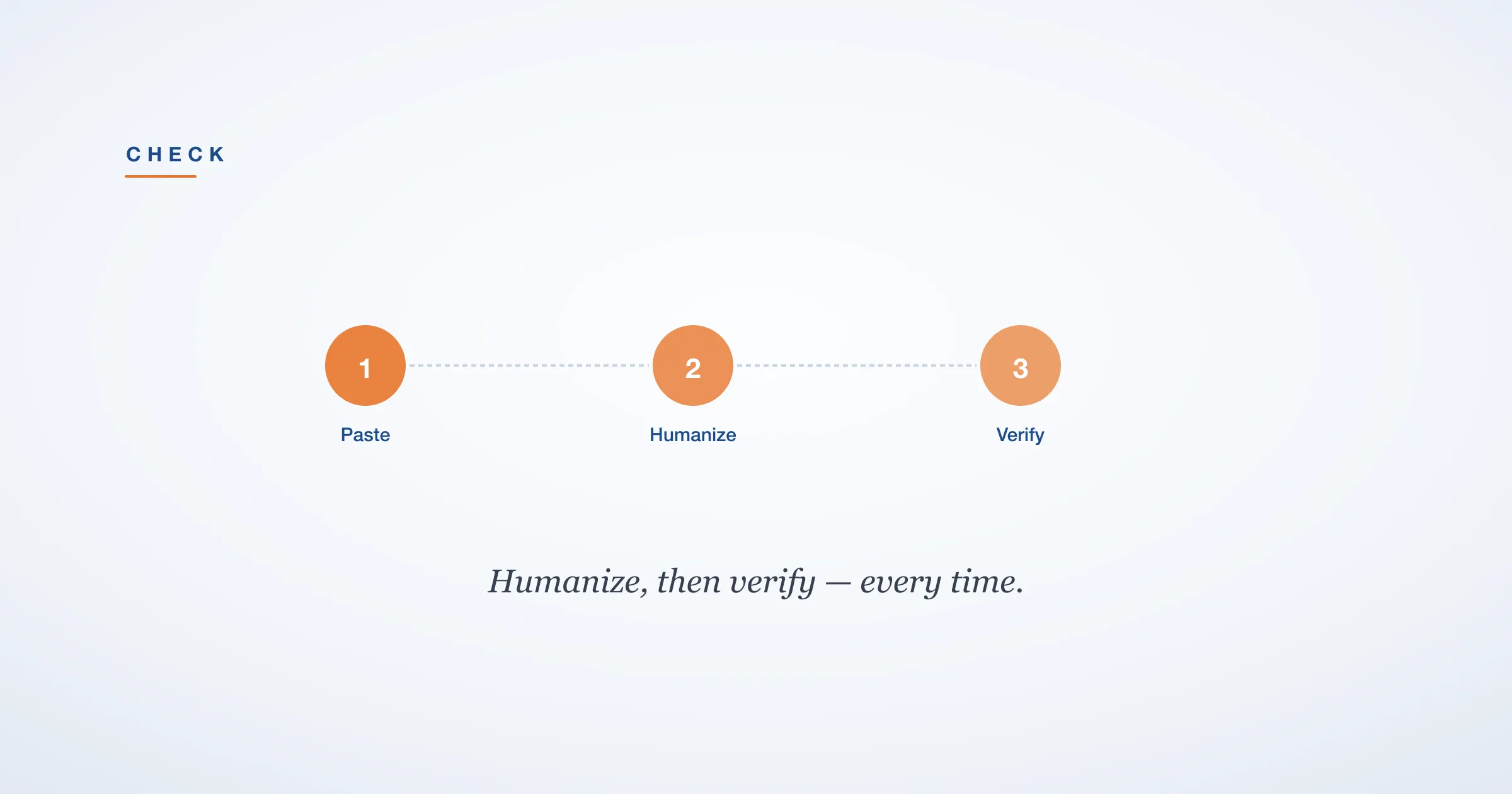
Tools like StealthZero make this easier with built-in Proof Reports and multiple rewriting engines, but the verification habit is what matters most. Whether you use a free or paid tool, the principle is the same: humanize, verify, then submit.
For a comparison of the best AI humanizers in 2026, see our full review. And if you want to understand exactly how AI detection works under the hood, we have a deep dive on that too.
References
- Liang, W., Yuksekgonul, M., Mao, Y., Wu, E., & Zou, J. (2023). “GPT detectors are biased against non-native English writers.” arXiv:2304.02819. https://arxiv.org/abs/2304.02819
- Sadasivan, V. S., Kumar, A., Balasubramanian, S., Wang, W., & Feizi, S. (2023). “Can AI-Generated Text Be Reliably Detected?” arXiv:2303.11156. https://arxiv.org/abs/2303.11156
- Weber-Wulff, D., Anohina-Naumeca, A., Bjelobaba, S., et al. (2023). “Testing of detection tools for AI-generated text.” International Journal for Educational Integrity, 19(1). https://doi.org/10.1007/s40979-023-00146-z
Frequently Asked Questions
Do AI Humanizers Actually Work?
Yes, but only if you verify the output. A humanizer can produce text that reads well and still fails detectors. The key is testing with multiple detectors after each pass. StealthZero targets a 99 percent pass rate on the standard flow, and the Cohera model reaches 100 percent bypass in internal testing, but you should still run your own checks before submitting anything important.
Free AI Humanizer Tools That Actually Work in 2026
StealthZero offers the most generous free tier: 600 requests per month with unlimited words per request, using the Origin model. Most other free tools cap word count at 300 to 500 words or add watermarks. The only way to know if a free tool works is to run its output through multiple detectors and confirm the pass rate yourself.
How Long Does an AI Humanizer Take to Process Text?
Most dedicated humanizers process 1,000 to 2,000 words in under 30 seconds. The verification step, running your text through two or three detectors, takes another 1 to 2 minutes total. Manual humanization and self-editing takes 30 to 60 minutes for the same word count.
Will My Professor Know I Used an AI Humanizer?
If your text passes detection, automated tools will not flag it. Professors may still notice inconsistencies in writing quality, arguments that do not match your usual style, or references that seem slightly off. The safest practice is to humanize your own drafted ideas and then edit the output to add your personal voice before submitting.
Best AI Humanizer for Essays: Free vs Paid Options
For essays, accuracy and meaning preservation matter most. StealthZero's free Origin model handles basic academic rewriting, while paid plans unlock Sentinel and Cohera models that are tuned for formal text. Starter ($9.99), Pro ($19.99), and Premium ($29.99) plans add features like locked phrases, citation preservation, and API access on the Pro tier.