AI Humanizer · guides
Humanizer PDF: How to Humanize and Export AI-Free Documents
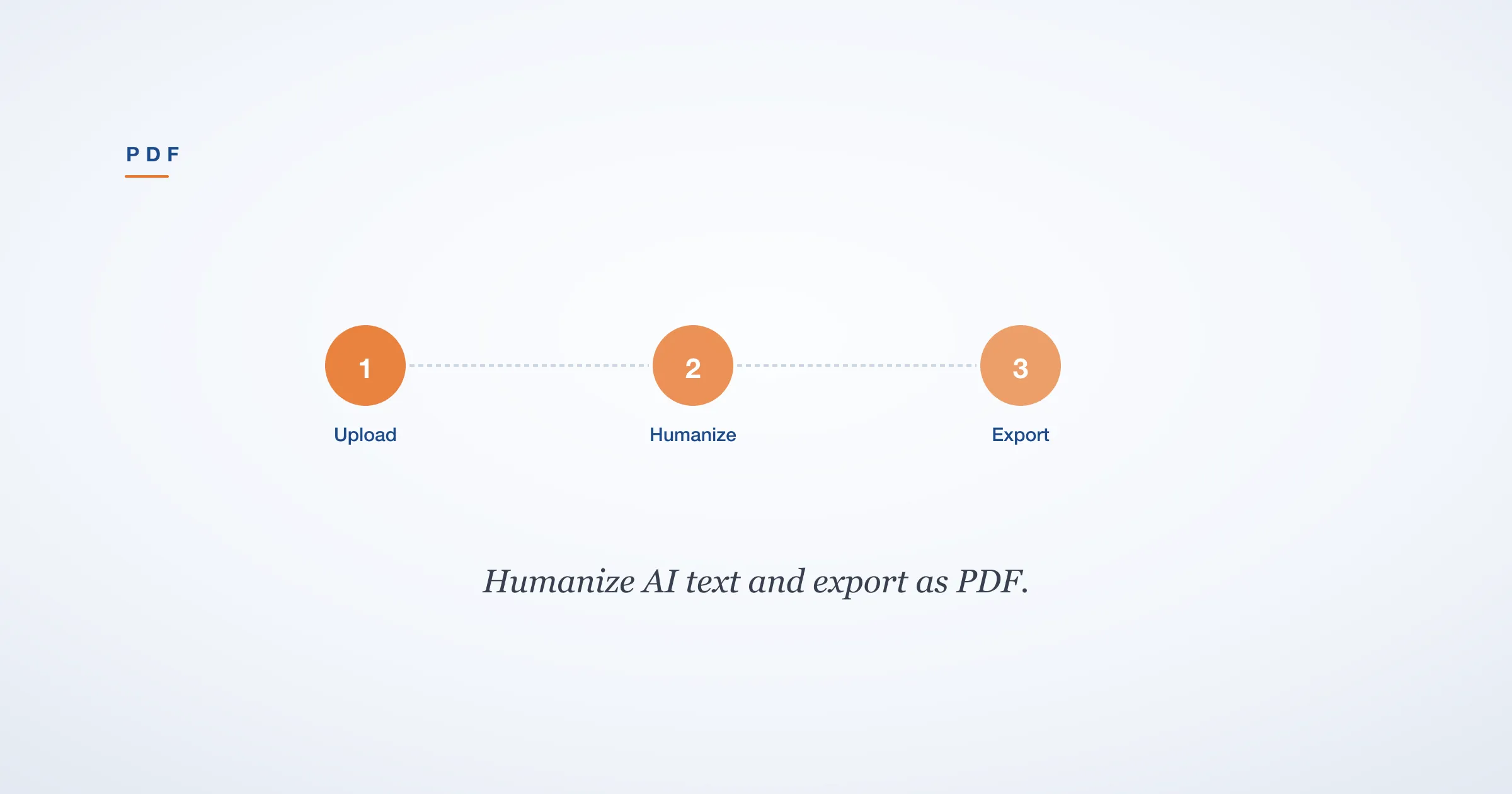
Need to humanize AI text and export it as a PDF? Here is how to rewrite AI content and generate proof reports or formatted PDFs for submission.

When you finish a draft, two PDF-related needs usually show up at the same time. First, you wrote the text with AI help and now need to humanize the content that is locked inside a PDF file. Second, you need proof that the final version passes AI detection, ideally in a PDF you can attach to your submission. Most humanizer tools handle plain text only. StealthZero covers both problems: you can extract text from any PDF, humanize it, and export a Proof Report that bundles detector scores from Turnitin, GPTZero, Winston, and CopyLeaks into one document.
If you are new to humanizers, start with our explainer on what an AI humanizer is before reading the PDF-specific workflow below.
Which StealthZero humanizer model fits which task?
StealthZero ships five rewrite families. The Free tier uses Origin (unlimited words). Strict detectors (Turnitin, latest GPTZero) need F.R.I.D.A.Y or Jarvis. Sentinel-Lite and Sentinel-Max are SEO-targeted — use them for blog content and web copy.
| Task | Use this model |
|---|---|
| Turnitin (100% bypass, internal testing) | Jarvis-Cohera or Jarvis-Max |
| Latest GPTZero (fine-tuned) | F.R.I.D.A.Y |
| SEO content / blog / web copy | Sentinel-Lite or Sentinel-Max |
| General AI detection (Free tier) | Origin |
| Quality + tone control | Jarvis-Cohera |
Origin (Free) bypasses general AI detection, but for strict detectors like Turnitin or GPTZero, use F.R.I.D.A.Y or J.A.R.V.I.S (Cohera or Max) — those are fine-tuned specifically for those detectors.
StealthZero humanizer numbers (verified)
Five rewrite models, four pricing tiers, and a 100-word floor on Sentrio scoring. Free tier covers 600 rephrase requests per month at a 20-per-day cap. Auto Agent Rephrase batches documents up to 12,000 words in a single task.
- Free plan: 600 requests/month, 20/day cap, unlimited words per request
- Starter ($9.99/mo): unlimited Origin + 1,500 advanced (Sentinel + F.R.I.D.A.Y + Jarvis) requests
- Pro ($19.99/mo): 3,000 advanced requests, 100/day cap, 2 AI Reports/month
- Premium ($29.99/mo): unlimited everything, 3 AI Reports/month, 5 Auto Agent credits
- Auto Agent Rephrase add-ons: Mini ($3.99, 2,000 words), Pro ($6.99, 5,000 words), Max ($12.99, 12,000 words)
- Liang et al. 2023 (arXiv:2304.02819) documented over 60% false-positive rates for ESL writers across mainstream GPT detectors
Weber-Wulff et al. 2023 (Int J Educ Integr 19:26) benchmarked 14 detection tools and found none reached the accuracy needed to be considered reliable in academic integrity workflows — most tools either over-flagged human writing or missed machine-paraphrased AI text.
How to humanize text from a PDF
PDFs are read-only by design. You cannot edit the text directly inside the file. The workflow is copy, paste, rewrite, replace.
Open the PDF in any reader and select all the text. Copy it and paste it into StealthZero’s humanizer. Pick a model. Origin is free and unlimited, good for general content. Cohera is the premium academic model that reaches 100 percent bypass in internal testing; choose Cohera when the submission runs through Turnitin or another high-stakes detector. Select a tone that matches the document type — Academic for essays and research papers, Casual for blog posts and newsletters, Neutral for reports and memos.
Before you run the rewrite, lock any phrases that must stay exactly as written. Citations, names, dates, technical terms, and quoted dialogue should be protected. Every serious humanizer supports locked phrases; skipping this step is how factual drift happens. A citation like “(Smith, 2024)” should survive the rewrite unchanged.
Run the rewrite. Read the output carefully. Paste it back into your document editor, apply your formatting, and export as PDF. There is no per-request word limit on StealthZero, so an entire thesis chapter or a 5,000-word report can go into one request without splitting. See our post on humanizers with no word limit for the full breakdown of why this matters. For comparison, QuillBot Free limits you to 125 words per use and six uses per day, which makes full-document humanization impossible on their free tier.
If you are working from a scanned PDF, the text layer might not exist. Run the file through an OCR tool first, then follow the same copy-paste workflow.
StealthZero’s PDF Proof Reports
A Proof Report is a PDF export that shows multi-detector AI analysis results on a single page. StealthZero’s reports include scores from Turnitin, GPTZero, Winston, and CopyLeaks. You can share this with a professor, editor, or client as evidence that the text passes detection.
The reports include official Turnitin report parity. That means the Turnitin score in the Proof Report matches what Turnitin itself would show for the same text. This is not an estimate or a proxy; it is the same analysis pipeline. If your professor runs the same text through Turnitin, they will see the same score you saw in your Proof Report.
When should you generate a Proof Report? Any time the detector verdict carries real stakes. Academic submissions, client deliverables, grant applications, and journal submissions all fit. The report takes one click to generate and arrives as a formatted PDF you can save alongside the document.
For a deeper look at how Turnitin scores work inside these reports, read our guide to the Turnitin AI writing report.

Jarvis Agent for batch PDF humanization
For users who need to process multiple PDFs or long documents in one pass, StealthZero’s Jarvis Agent supports document upload for batch humanization. Jarvis runs multi-step workflows that handle essay packages, report suites, and research document sets.
Instead of copying and pasting each section, you upload the document. Jarvis processes the full text, applies the rewrite model you select, preserves locked phrases, and returns the humanized version. This is useful for law students with case briefs, researchers with multi-chapter manuscripts, and content teams with batch article drafts.
Jarvis sub-models include Homer, Cohera, and Max. Cohera is the premium academic model with 100 percent bypass in internal testing. Homer handles general text. Max is tuned for maximum variation. You pick the sub-model based on the document type and the detector you are trying to pass.
Jarvis Agent is available on paid plans. The exact workflow depends on the package you select — essay, report, or research. Each package is designed for a specific document type so the rewrite preserves the structure your reader expects.
The batch workflow looks like this. You upload a set of documents, say five case briefs for a law seminar. Jarvis processes each one through Cohera with Academic tone, locks all citations, and returns five humanized documents plus a combined Proof Report showing the detector scores for each. This beats uploading each brief individually and generating five separate reports.
Exporting your humanized work
After humanizing your text, you have two export paths. The first is the document itself. Paste the output into Microsoft Word, Google Docs, or any editor that exports to PDF. Format headings, citations, and page numbers the way your institution requires. The humanizer gives you clean text; the formatting is up to you.
Some users prefer to keep the humanized text in a plain-text file for version control. You can always paste it into a word processor later when you are ready to format and export. The key is to save the humanized version separately from the original AI draft so you can compare them side by side.
The second export path is the Proof Report. This is a verification PDF, not the document itself. It contains the detector scores and a summary of which detectors passed and which flagged the text. Keep both files: the humanized document and the Proof Report. If a reviewer questions the text, you have evidence ready. The Proof Report includes official Turnitin report parity, so the Turnitin score you see in the report matches what Turnitin would show if your professor runs the check independently.
For students specifically, our guide on how to humanize ChatGPT text covers the editing layer that sits between the humanizer and the final PDF. The humanizer handles the detection-bypass layer; you still need to review for accuracy and voice.
If your main concern is Turnitin, read our guide on how to pass Turnitin AI detection. It walks through the full workflow from draft to submission, including when to generate a Proof Report.
FAQ
Can I humanize a PDF document?
Yes. Copy the text from your PDF, paste it into a humanizer tool like StealthZero, run the rewrite, then paste the output back into your document. StealthZero also lets you export the humanized text or generate a Proof Report as a PDF.
What is a humanizer PDF proof report?
A Proof Report is a PDF export showing multi-detector AI analysis results. StealthZero’s Proof Reports include scores from Turnitin, GPTZero, Winston, and CopyLeaks in a single document. You can share this with a professor or reviewer as evidence that the text passes detection.
Can I upload a PDF directly to a humanizer?
StealthZero’s Jarvis Agent supports document upload for batch humanization. For the standard humanizer, copy-paste the text from your PDF into the tool. There is no per-request word limit on StealthZero, so the full document can go in one request.
How do I export humanized text as a PDF?
After humanizing your text, you can paste it into any word processor and export as PDF. For verification PDFs, StealthZero generates Proof Reports with one click — these include the detector scores alongside the text.
Getting started
If you have a PDF that needs humanizing, start with StealthZero’s humanizer. Paste the text, pick Cohera for academic stakes or Origin for everyday content, lock your citations, and run the rewrite. When you are ready to verify, run the detector and export a Proof Report. For longer documents or batch jobs, upgrade to a plan with Jarvis Agent access. StealthZero’s free tier includes 600 requests per month with no word cap per request, so you can test the full PDF workflow before paying.
Sadasivan et al. 2023 (arXiv:2303.11156) showed that even the strongest AI text detectors degrade toward random-chance accuracy under light paraphrasing attacks, suggesting a theoretical ceiling on reliable detection of high-quality AI text.
References
- Liang, W., Yuksekgonul, M., Mao, Y., Wu, E., & Zou, J. (2023). “GPT detectors are biased against non-native English writers.” arXiv:2304.02819. https://arxiv.org/abs/2304.02819
- Sadasivan, V. S., Kumar, A., Balasubramanian, S., Wang, W., & Feizi, S. (2023). “Can AI-Generated Text Be Reliably Detected?” arXiv:2303.11156. https://arxiv.org/abs/2303.11156
- Weber-Wulff, D., Anohina-Naumeca, A., Bjelobaba, S., et al. (2023). “Testing of detection tools for AI-generated text.” International Journal for Educational Integrity, 19(1). https://doi.org/10.1007/s40979-023-00146-z
Frequently Asked Questions
Can I humanize a PDF document?
Yes. Copy the text from your PDF, paste it into a humanizer tool like StealthZero, run the rewrite, then paste the output back into your document. StealthZero also lets you export the humanized text or generate a Proof Report as a PDF.
What is a humanizer PDF proof report?
A Proof Report is a PDF export showing multi-detector AI analysis results. StealthZero's Proof Reports include scores from Turnitin, GPTZero, Winston, and CopyLeaks in a single document. You can share this with a professor or reviewer as evidence that the text passes detection.
Can I upload a PDF directly to a humanizer?
StealthZero's Jarvis Agent supports document upload for batch humanization. For the standard humanizer, copy-paste the text from your PDF into the tool. There is no per-request word limit on StealthZero, so the full document can go in one request.
How do I export humanized text as a PDF?
After humanizing your text, you can paste it into any word processor and export as PDF. For verification PDFs, StealthZero generates Proof Reports with one click — these include the detector scores alongside the text.